
RESPECT WIREFRAMES
Wire framing can save your JOB

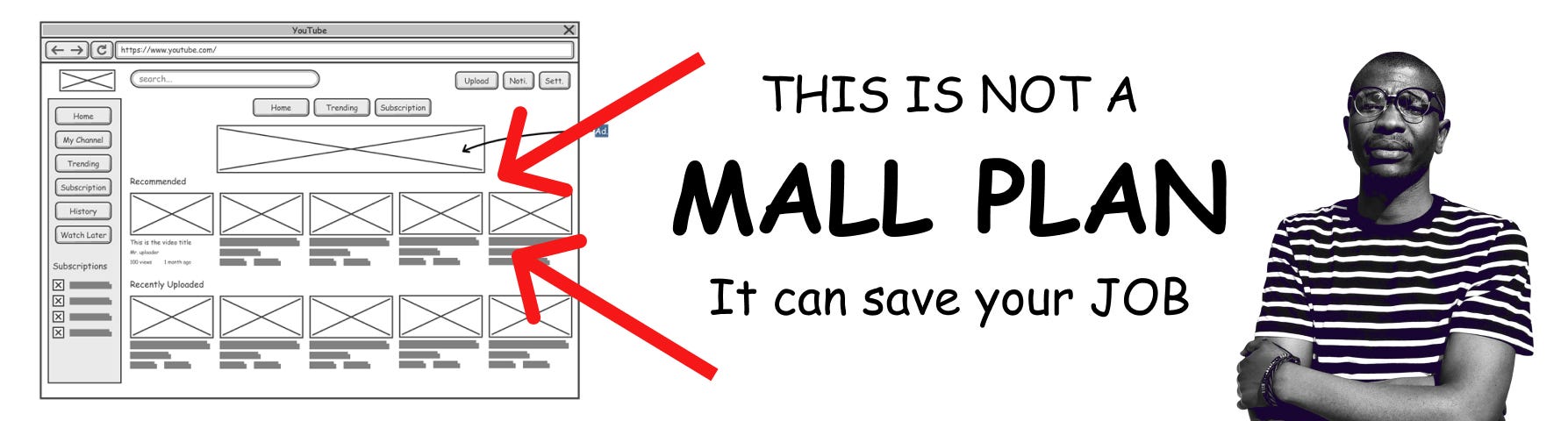
Have you heard of the term wireframe in design? It actually shapes your code. Design and development are two distinct disciplines that need each other; one is from Mars, and the other from Venus. It is normal for a developer to undervalue design, and likewise, for a designer to undervalue development. Let me help you speed up your development process.
A wireframe is not just a designer's playground for experimenting with ideas; it actually shapes your code. As a solo developer (designing and developing), you need to start by opening Figma and creating a wireframe of what you want to develop. This will help you consciously think about the problem you are trying to solve and identify the UI elements that will help you solve it.
I spent a lot of time skipping this step and jumping straight to Visual Studio Code, only to waste three months of my time and the client's time. This happens because making design decisions in a code editor is a sign of immaturity in the app development craft. Without a guiding skeleton (wireframe), I chose components based on their appearance rather than their behavior. What makes this attractive, though disastrous, is that it appeals to the client's emotions. The app UI will be impressive and quick to produce, but within four days, the same delighted client will want the moon and the stars next to the sun during the day. This leads to a lot of back and forth, sleepless nights, fatigue, misunderstandings, mental exhaustion, and frustration. Remember, the client thinks that code is exactly like Microsoft PowerPoint, where changes are just a few clicks away.
At this stage, it will be clear that things are pretty ugly, and the quickest way to solve the problem is to start a new project to dig yourself out of your own spaghetti code. I have lost count of how many projects ended up failing after starting them from the ground up multiple times, hoping that I would one day understand the complex code and be able to ship quickly. Learn to respect and appreciate the design side of things.
With Figma, you can move things around as quickly as the client wants. Do not rush this stage; it will help you understand what the client actually wants and provide you with insights into how far off the client's idea is from reality, as most are. This is where you will advise them on the best way to execute and the need to break down the complex app idea into three words: BOOK A RIDE. If Uber doesn't pop into your mind when I mention "book a ride," you need to look at all your social media apps and break them down into three words. You will find that all of them can be explained in three words.
Let's use Figma as a workshop for refining ideas and a code editor for executing those ideas.
I am Matthew, the hybrid Designer and Developer. God bless you.